Complete Guide: How to Register as a Takealot Seller in 2025

Takealot is South Africa's largest e-commerce platform, with over 10,500 active sellers and millions of monthly visitors. Despite growing competition from platforms like Amazon and Makro, Takealot remains the premier marketplace for South African entrepreneurs looking to expand their online presence. This comprehensive guide will walk you through the entire process of becoming a Takealot seller in 2025.
Why Sell on Takealot in 2025?
Before diving into the registration process, let's understand why Takealot is worth your investment:
- Massive Customer Base: Over 10 million monthly visitors looking to purchase products
- Growing Market Share: Third-party marketplace sales now account for over 52% of Takealot's total gross merchandise value
- Simplified Logistics: Takealot handles customer service, delivery, and payment processing
- No Business Registration Required: Individuals can sell with just an ID and bank account
- Comprehensive Seller Tools: Access to inventory management, pricing tools, and performance analytics
Step 1: Initial Application
Application Requirements
To begin your journey as a Takealot seller, visit the Takealot Seller Application Page and click 'Apply to Sell'. You'll need to provide the following information:
Personal Information
- First and last name
- Email address (use a business email if possible)
- Mobile number
- South African ID number (for individual sellers)
Business Information
- Company name (if applicable)
- Business category
- Website and social media links (optional but recommended)
- Location confirmation (must be South Africa-based)
- VAT registration status
- Estimated monthly revenue range

Product Details
- Number of products you plan to sell
- Brands or product types
- Stock sourcing information
- Physical store details (if applicable)
- Other sales channels you currently use
After submitting your application, Takealot's team will review it and respond within 10 business days. Important: Since 2020, you no longer need to have a registered business to sell on Takealot. Individual sellers can apply with just their South African ID and a valid bank account.
Step 2: Account Verification and Onboarding
Once your application is approved, you'll receive access to the Takealot Seller Portal. This is where you'll manage all aspects of your Takealot business. The onboarding process involves several key steps:
1. Complete Your Seller Profile

Company Branding
- Enter your company name as it will appear to customers
- Upload your logo (Requirements: 120x30px, max 150KB, JPG/PNG format)
- Create a compelling company description
Business Details
- Legal business name (or your name for individual sellers)
- Tax number (if applicable)
- Business type selection
- ID/Passport verification
Address Information
- Business address
- Billing address
- Warehouse location (where you'll ship products from)
Banking Details
- Account holder name
- Bank selection
- Account number
- Branch code
- Debit order form upload (for monthly subscription fees)
2. User Management Setup
- Add up to 10 users to help manage your Takealot store
- Assign appropriate roles and permissions
- Set contact information for each user
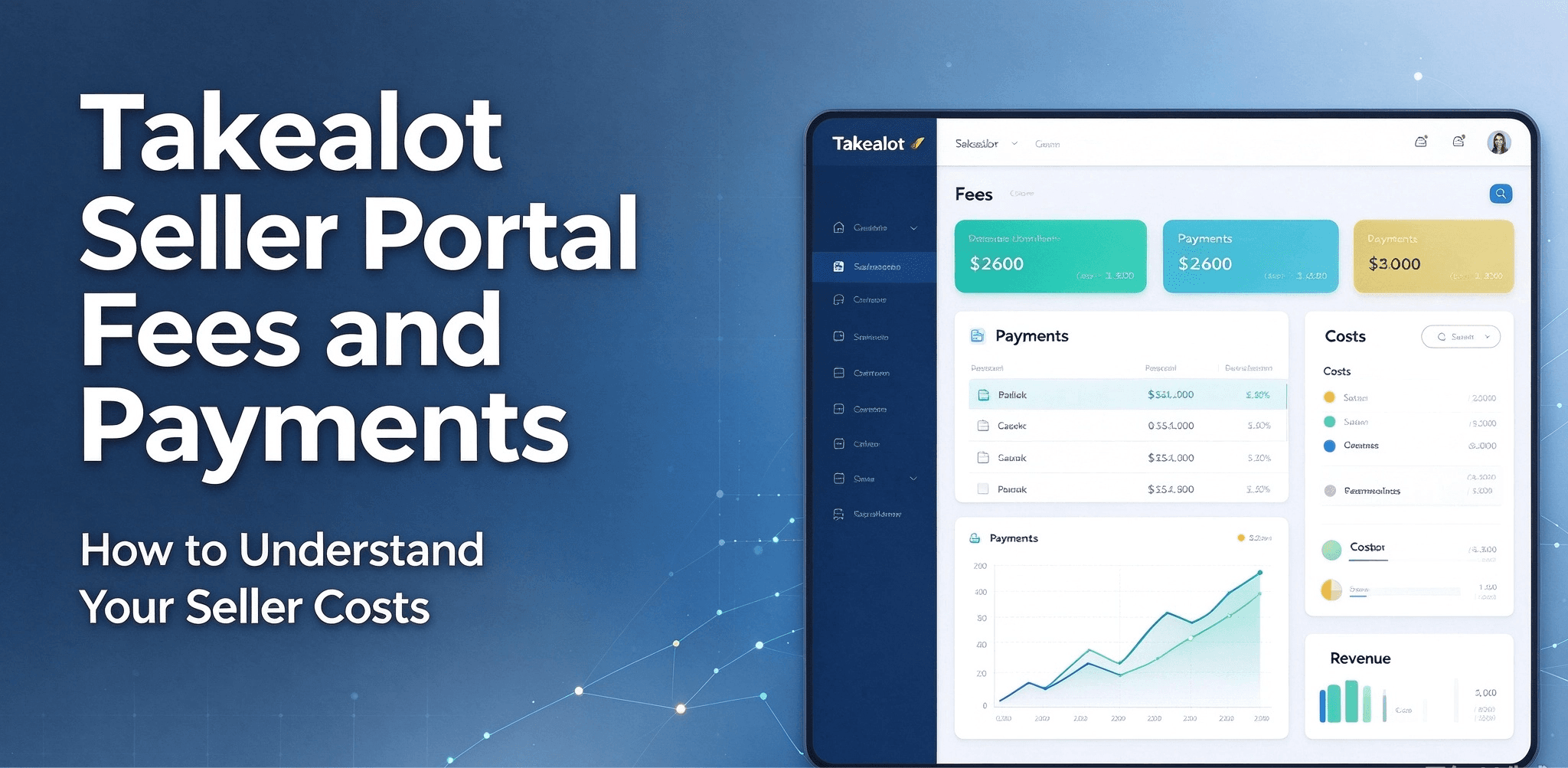
Step 3: Understanding Takealot's Fee Structure
Before listing products, it's crucial to understand Takealot's fee structure to ensure profitability:
Monthly Subscription Fee
- R400 (excluding VAT) per month regardless of sales volume
Success Fees
- Percentage of the VAT-inclusive selling price
- Varies by product category (ranges from 5.5% to 18%)
- Typical range is 9-12% for most categories
- Credited back for returned items
Fulfillment Fees
- Based on product weight and dimensions
- Light items (≤7kg): From R30
- Heavy items (7-25kg): Higher rates
- Heavy Plus (25-40kg): Premium rates
- Very Heavy (40-70kg): Maximum rates up to R340
Storage Fees
- Free storage for products with stock cover of 35 days or less
- Fees apply when stock exceeds this threshold
- Formula: Stock Cover = (Total Stock / Sales in last 30 days) × 30

Pro Tip: Use the Takealot Fees Estimator to calculate potential profits before listing products.
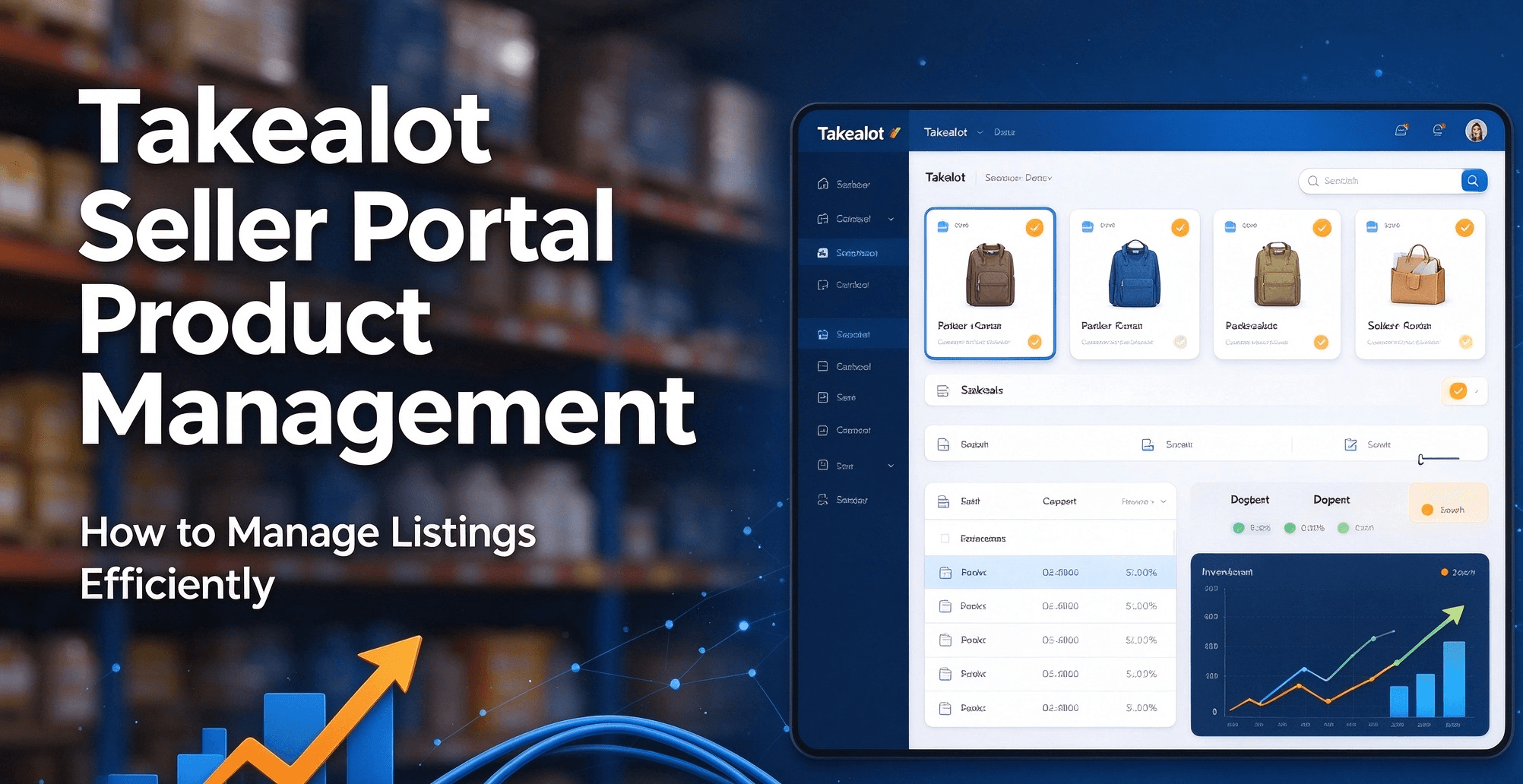
Step 4: Adding Products to Your Store
With your account set up, it's time to add products to your Takealot store:
1. Check the Existing Catalogue
Before creating new listings, search Takealot's catalogue to see if your products already exist:
- In the Seller Portal, search by barcode or product title
- If your product exists, you can simply offer it at your price
- Popular branded products are likely already in the catalogue
2. Creating New Product Listings
For unique or own-brand products not in Takealot's catalogue:
- Download the product loadsheet template from the Seller Portal
- Complete all required fields with accurate product information
- Prepare high-quality product images (minimum 600×600 pixels on white background)
- Write detailed product descriptions and specifications
- Submit the completed loadsheet for review
Important: The approval process can take 1-14 days. Listings that don't meet Takealot's requirements will be rejected and need resubmission.
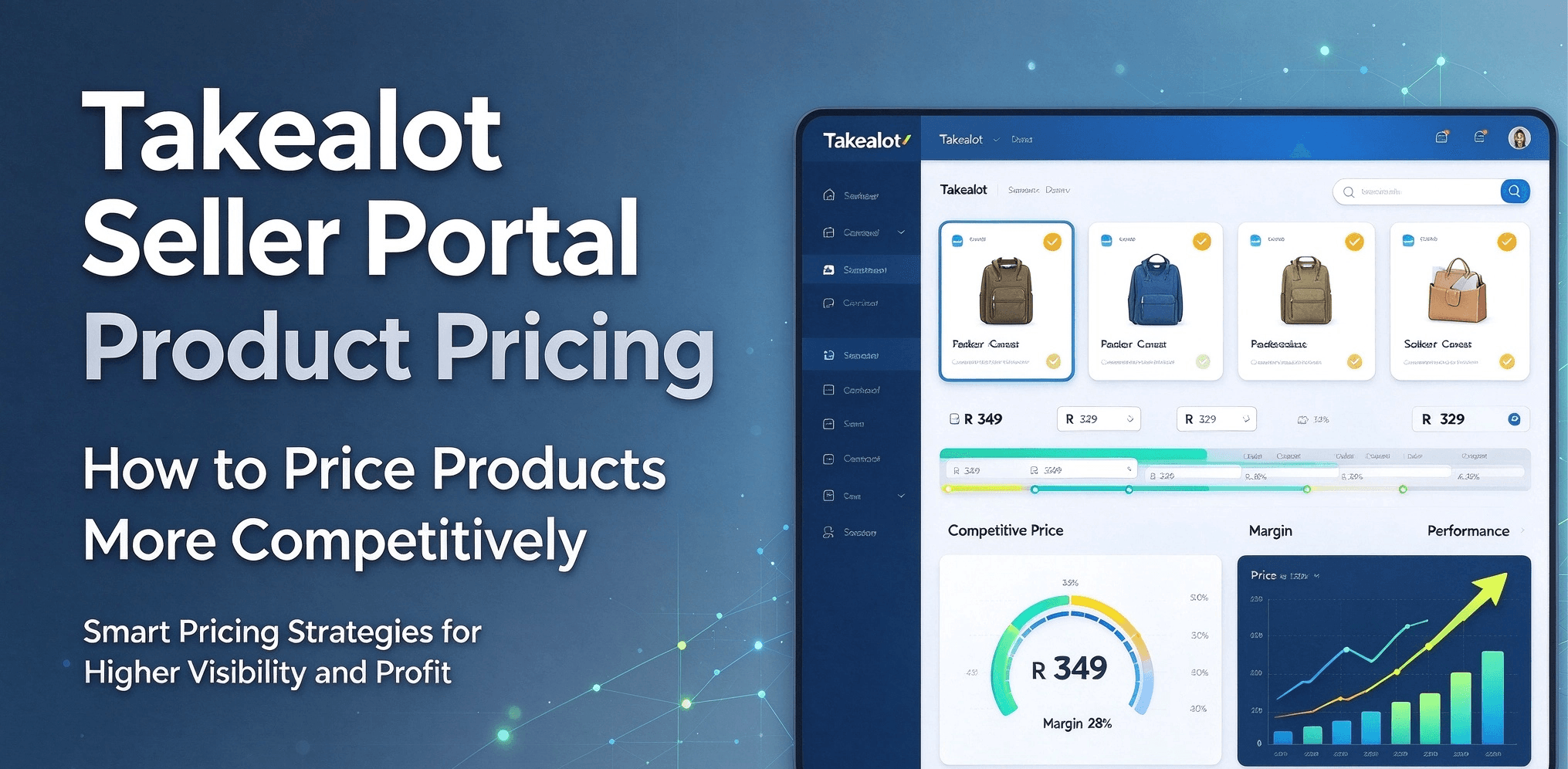
3. Setting Pricing and Stock Levels
- Set competitive prices considering all Takealot fees
- Determine whether to sell as 'In Stock' or 'Lead Time' items
- Set initial stock levels and minimum stock thresholds

Step 5: Understanding In-Stock vs. Lead Time Options
Takealot offers two fulfillment methods, each with advantages and considerations:
In-Stock Items
- Products stored at Takealot's Distribution Centers (DCs)
- Faster delivery to customers (typically 1-3 business days)
- Higher chance of winning the Buy Box
- Free storage for up to 35 days of stock cover
- Storage fees apply for excess inventory
Lead Time Items
- Products remain in your warehouse until ordered
- You ship to Takealot DC only after a customer places an order
- No storage fees
- Longer delivery times (typically 5-7 business days)
- Lower chance of winning the Buy Box
- Penalties for late deliveries to the DC
Pro Tip: Use a hybrid approach—keep popular items in-stock at Takealot DCs and use lead time for slower-moving products or to test new items.
Step 6: Understanding the Buy Box
The Buy Box is crucial for success on Takealot. When multiple sellers offer the same product, only one wins the prominent 'Add to Cart' button:
Key Buy Box Factors
- Price: Generally, the lowest price wins
- Fulfillment Type: In-stock items are prioritized over lead time
- Seller Performance: Rating, returns, and cancellation rates matter
- Stock Availability: Consistent stock availability improves chances

Pro Tips for Success
1. Documentation Preparation
Have these ready before starting your application:
- South African ID/Passport
- Company registration documents (if applicable)
- VAT certificate (if registered)
- Bank account details
- Company logo in correct format
2. Business Planning
- Research your target market thoroughly
- Prepare product listings in advance
- Develop a competitive pricing strategy
- Set up efficient inventory management systems
- Calculate profitability after all fees
3. Optimize Your Product Listings
- Use high-quality images on white backgrounds
- Write detailed, keyword-rich descriptions
- Include all relevant specifications
- Categorize products correctly
- Keep pricing competitive
4. Monitor Performance Metrics
- Track sales, returns, and cancellations
- Monitor Buy Box win rate
- Analyze customer feedback
- Adjust pricing and inventory strategies accordingly
Common Registration Challenges
1. Document Verification
- Ensure all documents are clear and legible
- Follow exact format requirements
- Keep documents updated
2. Logo Requirements
- Use professional design
- Follow size specifications exactly (120x30px)
- Ensure file size is under 150KB
3. Product Listing Rejections
- Follow Takealot's product information guidelines precisely
- Provide complete and accurate information
- Use high-quality images that meet specifications
- Categorize products correctly
Next Steps After Registration
1. Complete Seller Training
- Review Takealot's seller policies thoroughly
- Learn about fulfillment options in detail
- Understand pricing rules and competition
- Join Takealot seller communities for support
2. Set Up Your Store
- Create compelling product listings
- Set competitive prices
- Configure shipping and fulfillment options
- Prepare marketing materials
3. Implement Management Tools

- Install Revenuealot for automated pricing and competitor tracking
- Set up inventory management systems
- Configure pricing rules and alerts
- Establish reporting and analytics processes
Leveraging Takealot's Tools and Resources
Takealot provides several tools to help sellers succeed:
- Seller Portal Dashboard: Monitor sales, returns, and performance metrics
- Reporting Tools: Generate detailed sales and inventory reports
- Stock Management: Track inventory levels and set alerts
- Payment Processing: Integrated with major South African payment systems
- Customer Service Tools: Manage customer inquiries and issues
- AI Chatbot: Automated customer support for common questions
Conclusion
Registering as a Takealot seller in 2025 is your gateway to South Africa's largest e-commerce marketplace. While the process requires attention to detail, following this comprehensive guide will help you navigate it successfully. Remember that success on Takealot comes from a combination of competitive pricing, quality products, efficient fulfillment, and excellent customer service.
The e-commerce landscape in South Africa continues to grow, with Takealot leading the way. By establishing your presence on this platform, you're positioning your business to reach millions of potential customers and tap into the rapidly expanding online retail market.
Ready to optimize your Takealot business for maximum success? Get started with Revenuealot to automate your pricing, track competitors, and maximize your profits on Takealot.